Disabling reCAPTCHA Checkbox After Verification in Android Apps (Java)
Turning Off reCAPTCHA Checkbox After Verification in Android
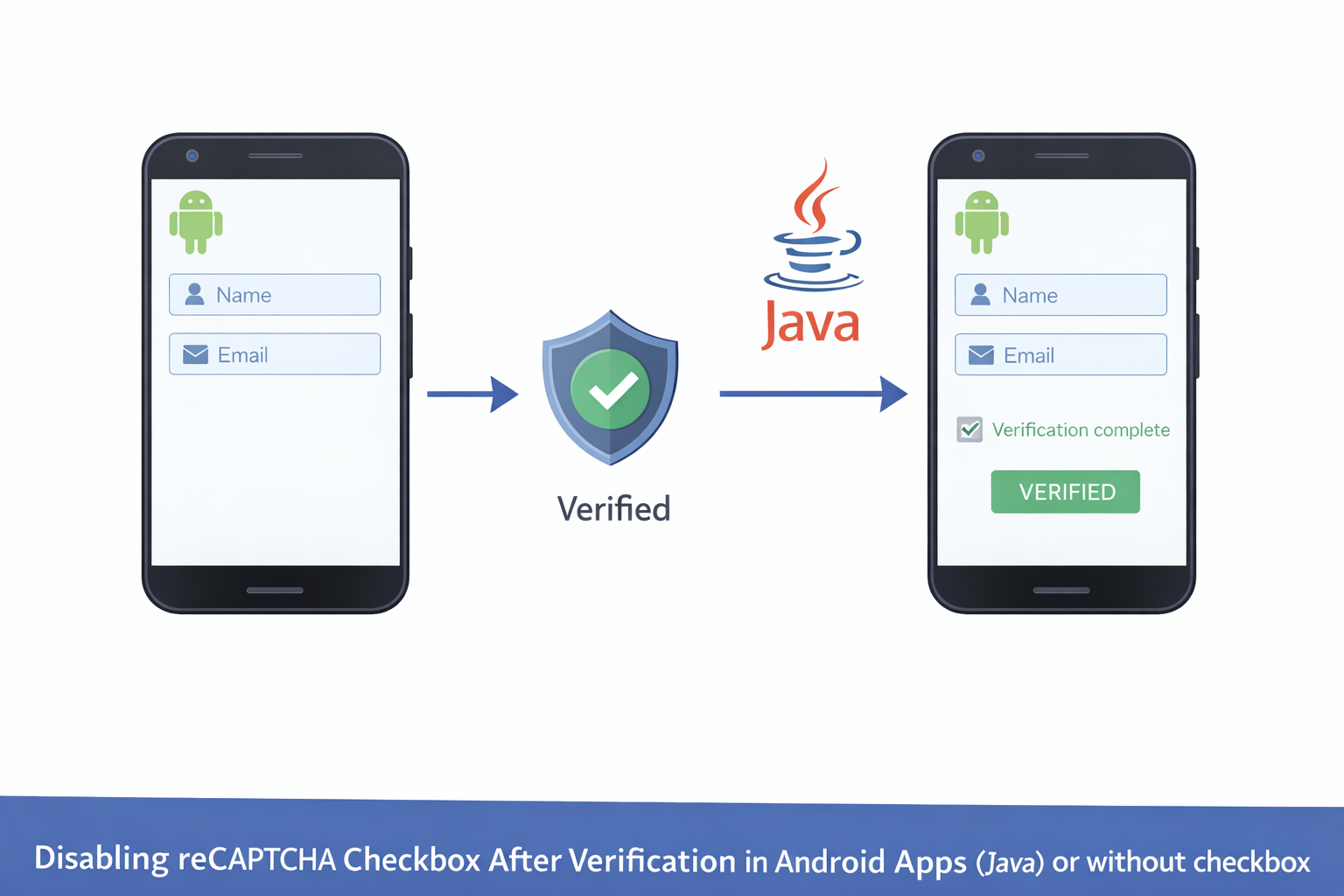
Overview: This project demonstrates how an Android application disables the reCAPTCHA checkbox after a user has been successfully verified, improving user experience while maintaining security.
In many Android applications, users should not be forced to solve the reCAPTCHA challenge repeatedly. Once verification succeeds, the checkbox can be turned off or hidden until a new verification is required.
Project Logic Overview
The downloadable project is structured to track verification status and control when the reCAPTCHA checkbox should be active or disabled. This prevents unnecessary user interaction while preserving protection against automated abuse.
- Initial reCAPTCHA checkbox display
- Verification status tracking
- Conditional UI control
- Backend confirmation handling
- Session or state management
Verification State Management
The project maintains a verification state that indicates whether the user has already passed the reCAPTCHA challenge. This state determines if the checkbox should remain visible or be disabled.
Verification state is never assumed locally. Final approval always comes from the backend server.
Disabling the Checkbox
Once verification is confirmed, the app updates the user interface to disable, hide, or lock the reCAPTCHA checkbox. This ensures users can continue their actions without interruption.
Backend Validation Dependency
The Android app relies on backend responses to decide whether the checkbox should be turned off. This prevents manipulation of verification logic on the client side.
- Token validation confirmation
- Verification success response
- Controlled UI updates
When reCAPTCHA is Re-Enabled
The project includes logic to re-enable the checkbox when required, such as during logout, session expiration, or high-risk actions. This ensures security remains intact.
User Experience Considerations
Disabling the checkbox after verification improves usability by reducing friction while keeping protection in place. This approach is ideal for login flows and trusted user actions.
Security Considerations
Security Notice: reCAPTCHA must never be permanently disabled based only on client-side logic. Verification decisions must always be confirmed by a trusted backend service.
Conclusion
Turning off the reCAPTCHA checkbox after successful verification creates a smoother user experience without compromising security. By reviewing the downloaded project, developers can understand how verification state, backend validation, and UI control work together in a real-world Android application.