Google reCAPTCHA Checkbox Integration in Android App (Java): Secure User Verification
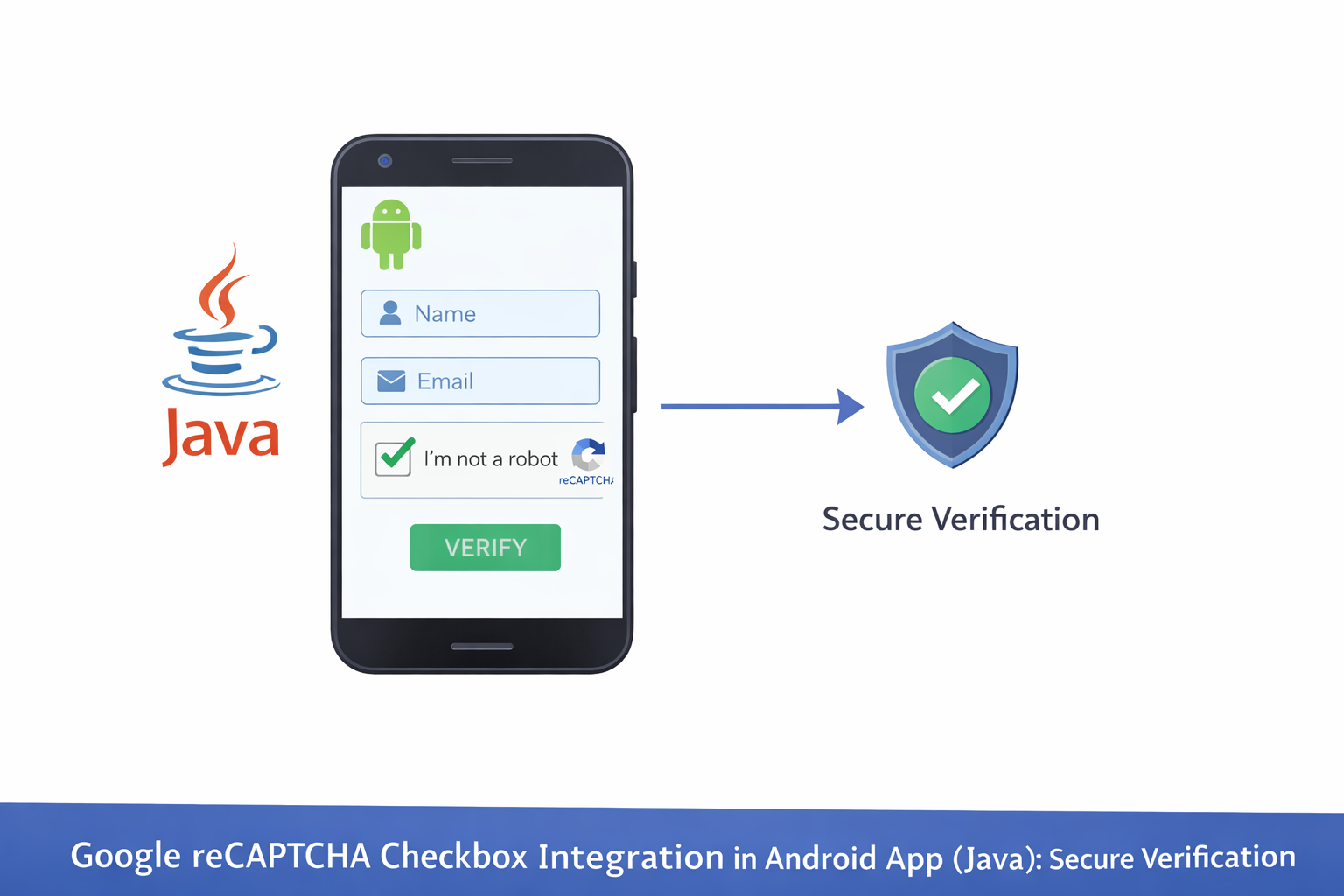
Google reCAPTCHA Checkbox Integration in Android App
Overview: This project demonstrates how to integrate Google reCAPTCHA (checkbox version) into an Android application to prevent automated abuse and bot-driven actions.
reCAPTCHA helps verify that an action is performed by a real user. In Android applications, the checkbox version is commonly implemented using a secure WebView or Google Play Services in combination with backend verification.
Project Structure Overview
The downloadable Android project is organized to separate user interface logic, verification handling, and network communication. This makes the integration clean and easy to follow.
- Android UI screens for user interaction
- reCAPTCHA checkbox rendering logic
- Token handling and submission workflow
- Backend communication for verification
- User feedback and error handling
reCAPTCHA Configuration
This part of the project handles reCAPTCHA registration, site key configuration, and domain or package name binding. The site key is used by the Android app to display the checkbox.
Secret keys are never stored inside the Android app. Verification is always performed on a secure backend server.
Checkbox Display in Android
The project includes logic to display the “I’m not a robot” checkbox within the app interface. This is typically handled using a WebView that loads the reCAPTCHA widget securely.
Token Handling & Verification Flow
After the user completes the checkbox challenge, the app receives a verification token. This token is sent to the backend server for validation before any sensitive action is allowed.
- Receiving the reCAPTCHA response token
- Sending the token to the backend API
- Waiting for verification approval
User Feedback & Error Handling
The project handles cases where verification fails, expires, or is missing. Users are informed clearly when verification is required to proceed.
Security Best Practices
Security Notice: reCAPTCHA validation must always occur on the server side. Android apps should never attempt to validate reCAPTCHA tokens locally.
Conclusion
This Android reCAPTCHA checkbox integration provides an effective layer of protection against bots and automated abuse. By reviewing the downloaded project, developers can understand how UI handling, token transmission, and secure backend verification are implemented in a real-world Android application.